01
Measure
Know where to focus.
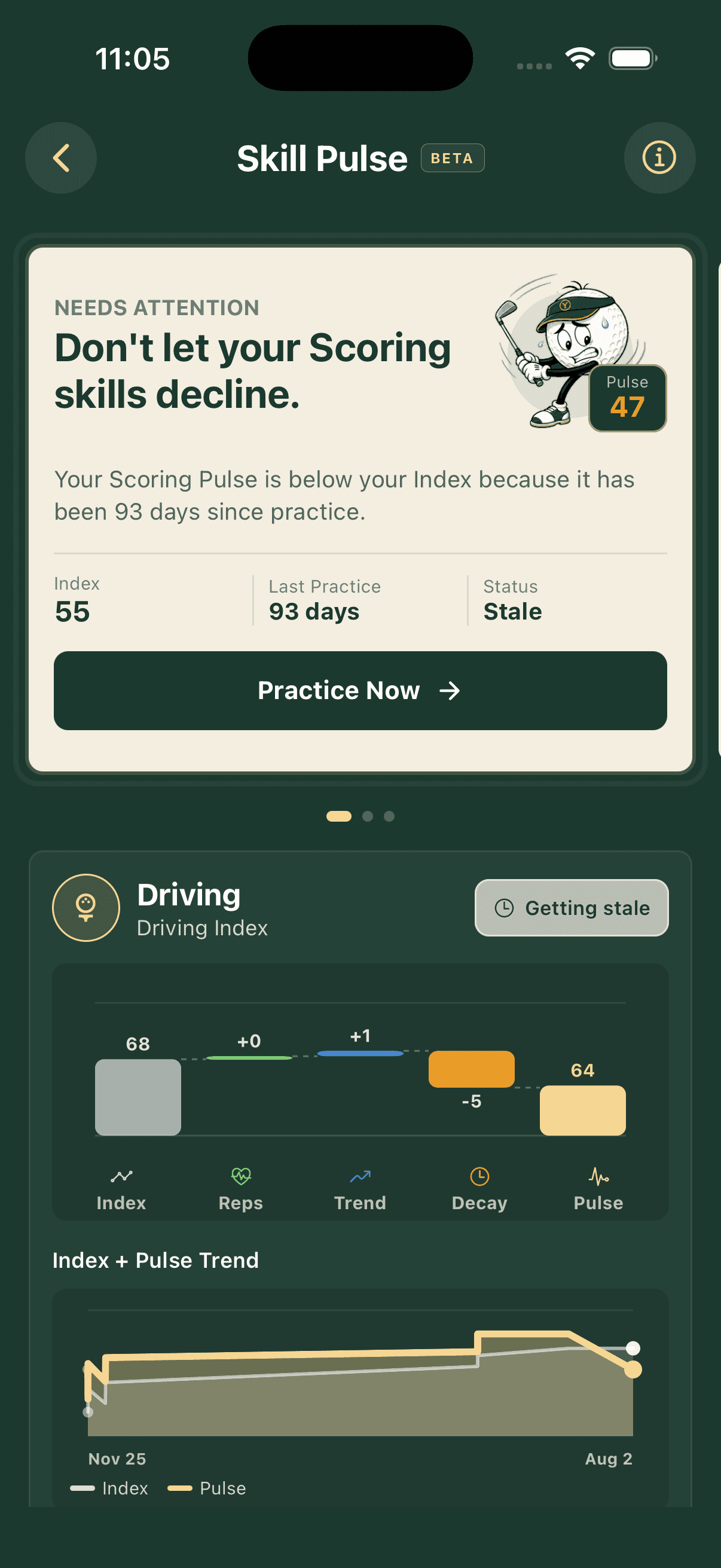
Complete a simple Baseline across Driving, Scoring, and Putting. Your Skill Pulse shows what is sharp, what is cooling, and where the next reps matter most.
Yogey Golf turns your Baseline and Skill Pulse into structured practice plans, skill-building games, and progress you can actually see.
A smarter practice loop
Yogey Golf connects assessment, planning, practice games, and progress tracking, so a trip to the range becomes an intentional training session.
Explore the practice experienceMeasure
Complete a simple Baseline across Driving, Scoring, and Putting. Your Skill Pulse shows what is sharp, what is cooling, and where the next reps matter most.
Plan
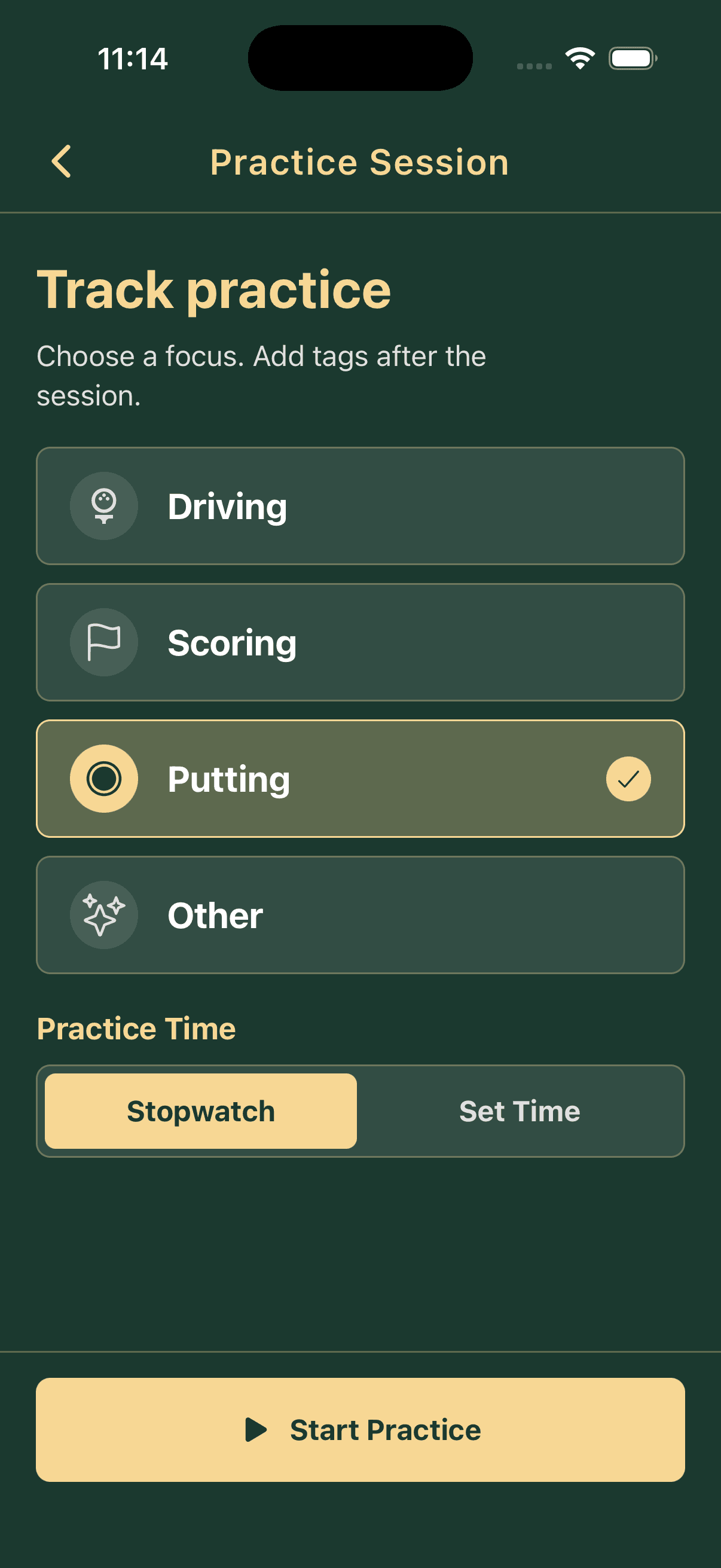
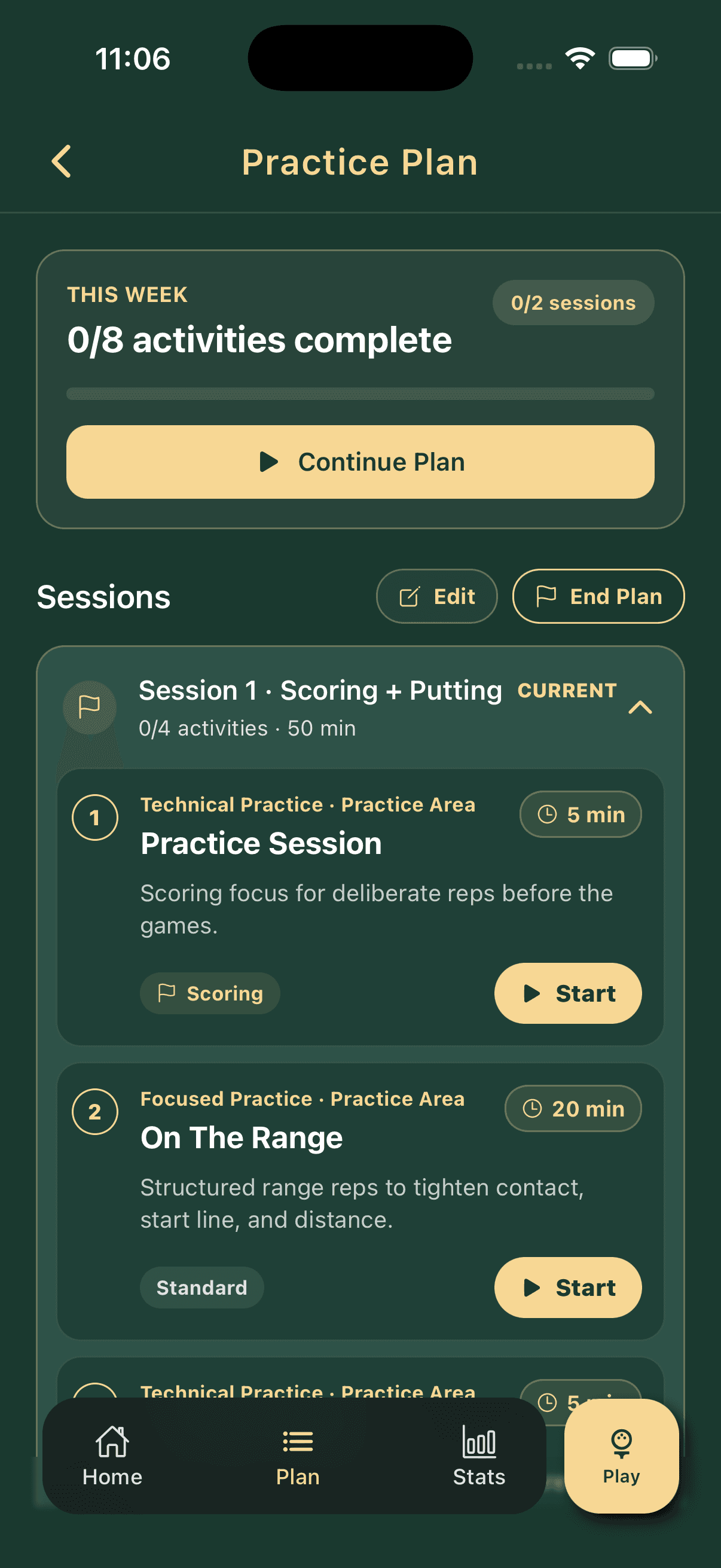
Choose your focus and available time. Yogey turns that intent into a structured golf practice plan with clear activities, purpose, and pacing.
Improve
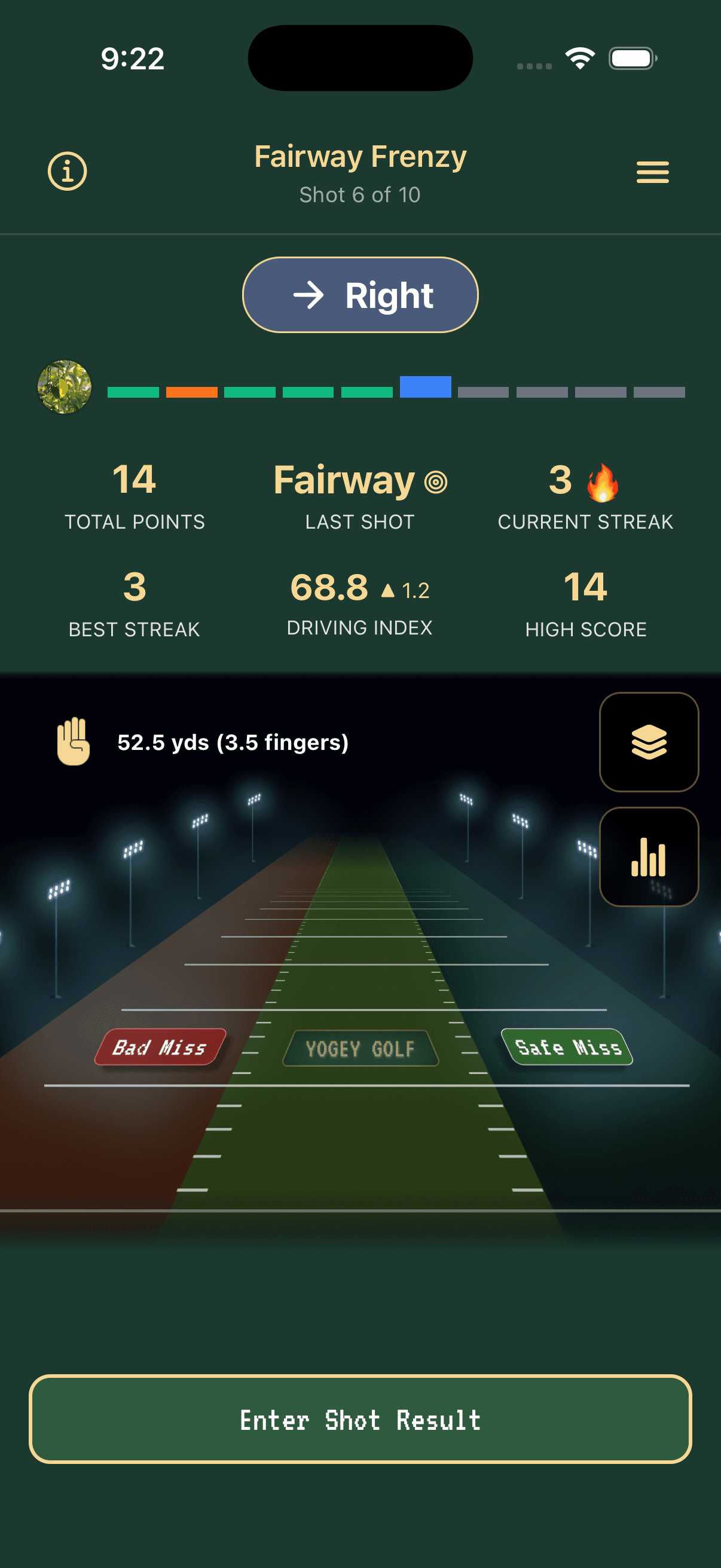
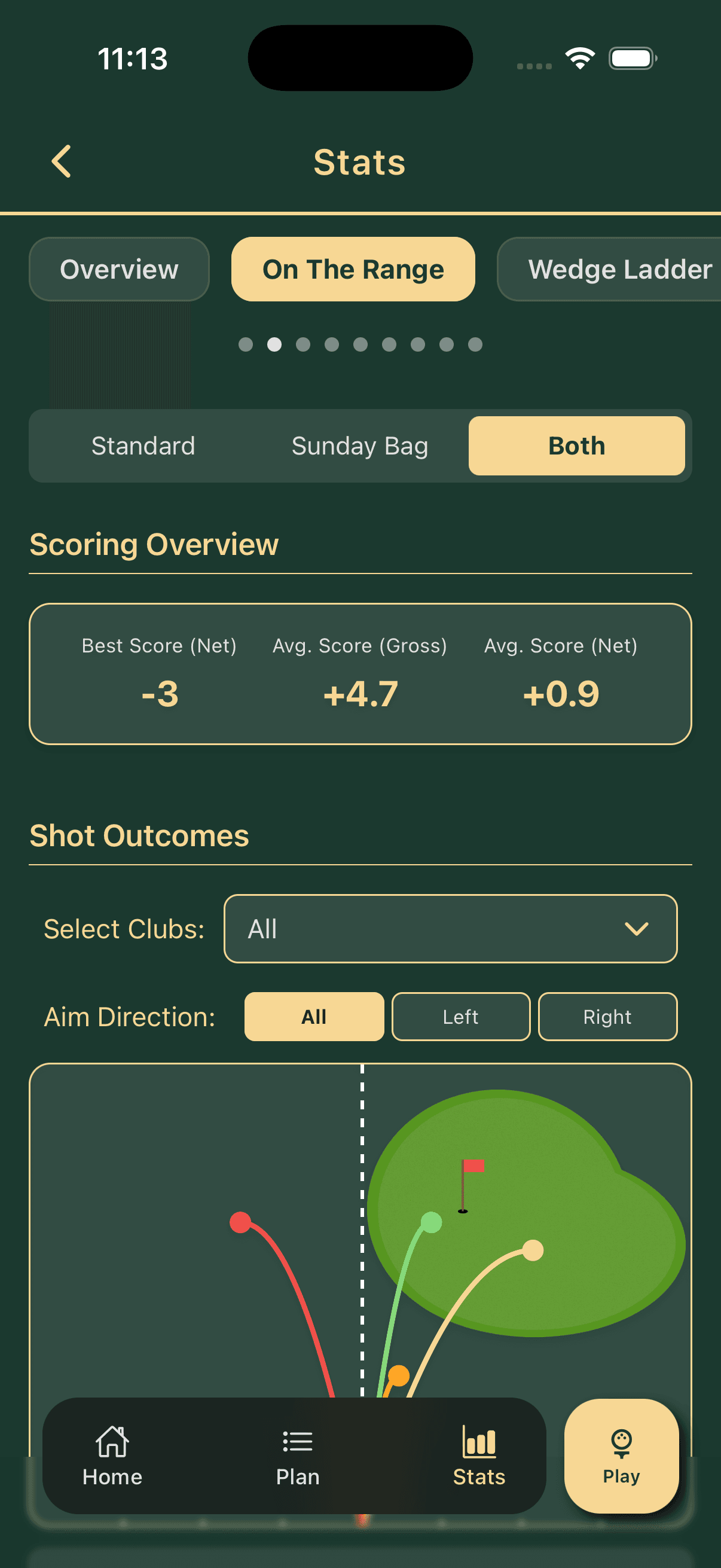
Play focused range and putting games, run a Quick Practice session, and use meaningful stats to decide what comes next.
More than a game library
Yogey connects what you need, what you have time for, and what you actually did into one repeatable improvement loop.
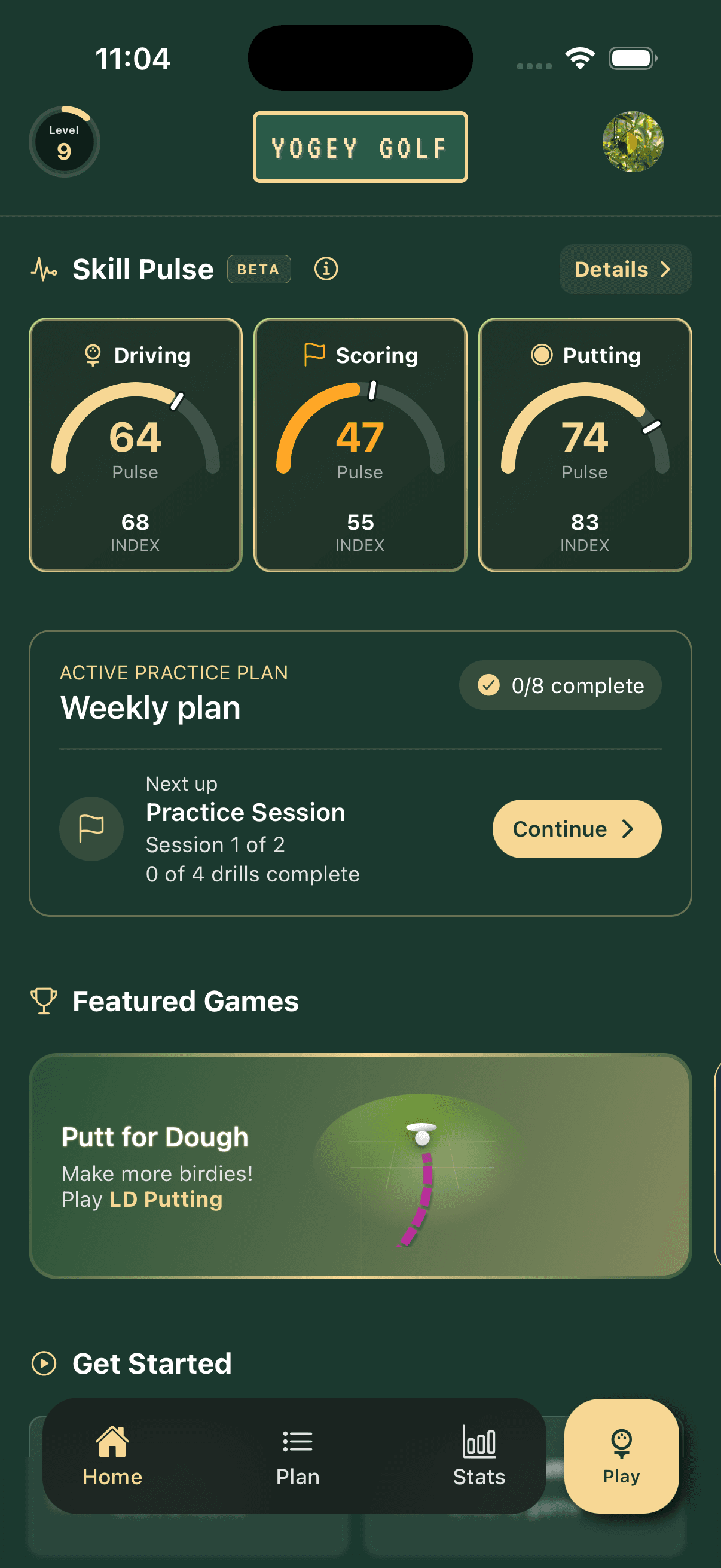
Your Baseline, Skill Pulse, active plan, and featured games meet in one place, so the next useful action is never buried.
New in version 1.6.0
Optional iPhone and iPad guides help you set your putting stations for LD Putting and Deathstar Putting. Choose a straight line or rings around the cup.
See ability, recent reps, trend, and practice decay across Driving, Scoring, and Putting.
Play an individual game when time is tight, or follow a full practice plan when you have more time.
Train distance control, driving accuracy, putting, wedges, and more through purposeful challenges.
Compete with friends in supported live duels or add pressure with progressive ghost opponents.
Built for busy golfers who are still serious about improving.
Make the range time you have more focused, useful, and easier to repeat.
Inside Yogey Golf
Assessment, planning, games, and progress all speak the same language, so your next session starts with context.
Golf practice app FAQ
Here is what golfers usually want to know about Yogey Golf, practice plans, Skill Pulse, and the new AR setup.
Yogey Golf is a golf practice app for iPhone and iPad. It helps golfers assess their game, choose what to work on, follow structured practice plans, play skill-building games, and track progress over time.
Skill Pulse gives you a current view across Driving, Scoring, and Putting. It brings together your baseline Index, recent reps, performance trend, and time since practice to show what is sharp and what may need attention.
Yes. Choose the skills you want to improve and the time you have available, and Yogey can build a structured session with focused practice blocks and games. You can also customize plans, continue them across sessions, and revisit plans you enjoyed.
Yogey includes practice for driving accuracy, iron and wedge distance control, putting, shot patterns, and technical reps. Games and session options work across the driving range, simulator, putting green, and at-home practice where supported.
No special hardware is required. Yogey is designed to make practice more useful with the phone you already carry. Some games ask you to enter a shot result or distance, while the optional AR putting helper uses the camera on supported iPhone and iPad devices.
Yes. Supported games include live duel modes for playing with a friend, and some also offer progressive ghost opponents when you want pressure without another player.
The optional AR setup in version 1.6.0 helps you place repeatable putting stations for supported games. Choose line or ring guides, and normal setup still works when AR is unavailable.
Yogey Golf is currently available free on iPhone and iPad. Android support is planned, but is not available yet.
Your next useful session starts here
Take a Baseline, see your Skill Pulse, and turn the next free hour into a session built around your game.